
TIME TRACKING
protect the hours you earn.
Stop losing hours to manual tracking and chaos.
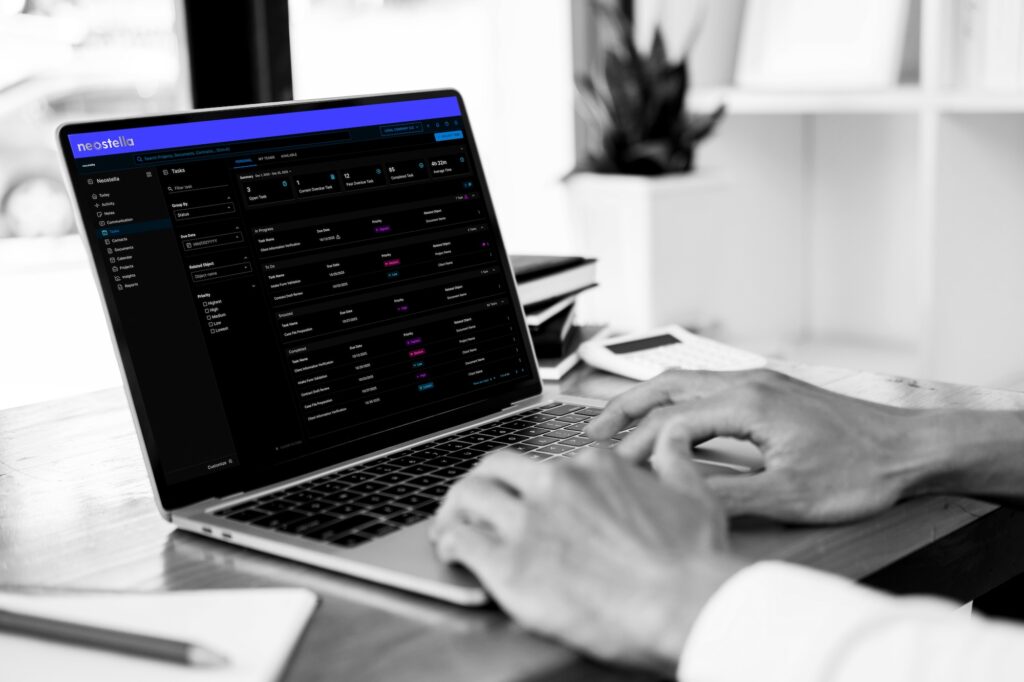

start timers from anywhere.
Chrome Extension tracks time and attaches it to the case.

never miss a billable minute again.
Track in real-time or log hours retrospectively.

turn task completion into time capture.
Reporting answers time questions quickly.

only bill to authorized projects.
Permissions follow users, so time entries are only added to cases that user is authorized to work on.
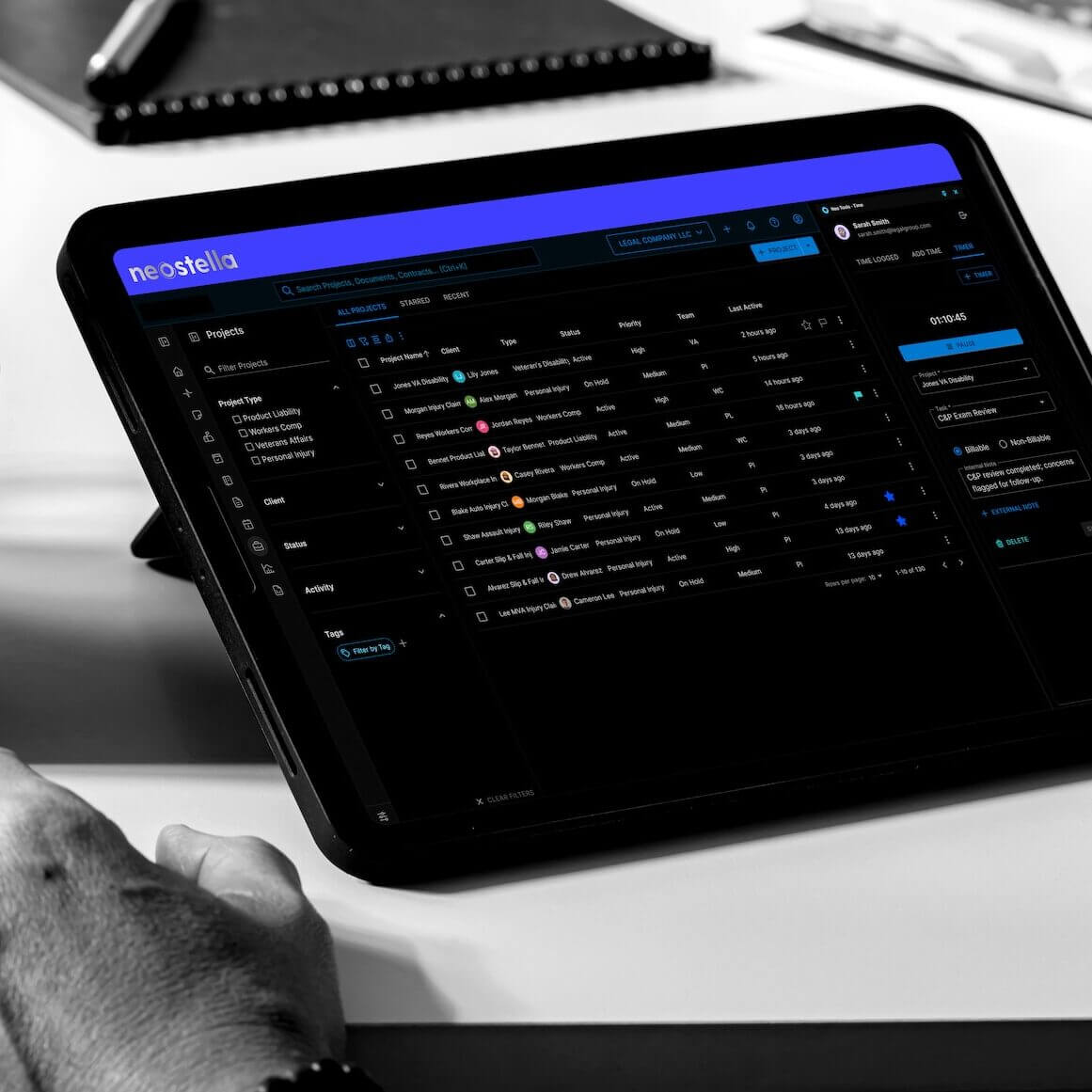
time tracking in action.
tracking from document review
A legal assistant reviews a 50-page transcript in Word, starts the timer, and logs “Document Review.” When the timer stops, all 89 minutes post to the case automatically.
seamless project switching
Working on Anderson when a Martinez question hits? Pause your timer, switch to Martinez, and start a new one. Each entry logs to the right case.
time reporting for billing
Before invoicing, pull the last 30 days of the project time log to see every billable entry by date, user, duration, and activity.
task-based time prompts
A task prompts a paralegal to start the timer. When the task is completed, the time entry is created and linked to the case automatically.

see where your time goes.
capture time in any system you use

increase billing accuracy and confidence

start a task, and the clock starts for you

log time only on approved projects

time tracking on autopilot.
- Stop losing billable hours to tool switching
- Capture time without interrupting work
- Make task completion and time entry one action
- Eliminate the “I forgot to track” problem
- Get clear visibility into project time

EXPLORE
time tracking quietly handled.
Your works stays front and center, while the tracking remains simple.
